

Description
Download Kingshiper Screen Recorder-Screen Capture – screen recorder, screen capture, video recording, tutorial creation, gameplay recording, webcam recording, real-time annotation, audio recording, multiple output formats, Windows app
Overview
Kingshiper Screen Recorder-Screen Capture is a dedicated tool designed for efficient screen recording and content capture on Windows systems. The app caters to both casual users and professionals who require reliable methods for creating tutorials, recording gameplay, or conducting virtual meetings. Its primary function is to enable high-quality screen capture with minimal user effort, making it accessible even to those without technical expertise. The application addresses common challenges in digital content creation, such as inconsistent audio sync, poor video quality, and limited output flexibility. By offering intuitive controls and versatile recording modes, it streamlines the process of capturing on-screen activity and sharing it across platforms. The target audience includes educators, content creators, remote workers, and gamers who need a dependable solution for recording and annotating screen activity. Although the developer, Kingshiper, has not provided additional background information, the app’s feature set suggests a focus on usability and functionality. Real-world applications include creating step-by-step software guides, documenting software bugs, recording live presentations, and producing engaging educational videos. In the broader context of digital productivity tools, Kingshiper Screen Recorder fills a critical gap by delivering a lightweight yet capable alternative to more complex video editing suites.
Key Features & Functionality
- One-Click Full-Screen Recording: Enables users to begin capturing their entire screen instantly, reducing setup time and ensuring no moment is missed. This is especially beneficial during live demonstrations or fast-paced gameplay sessions.
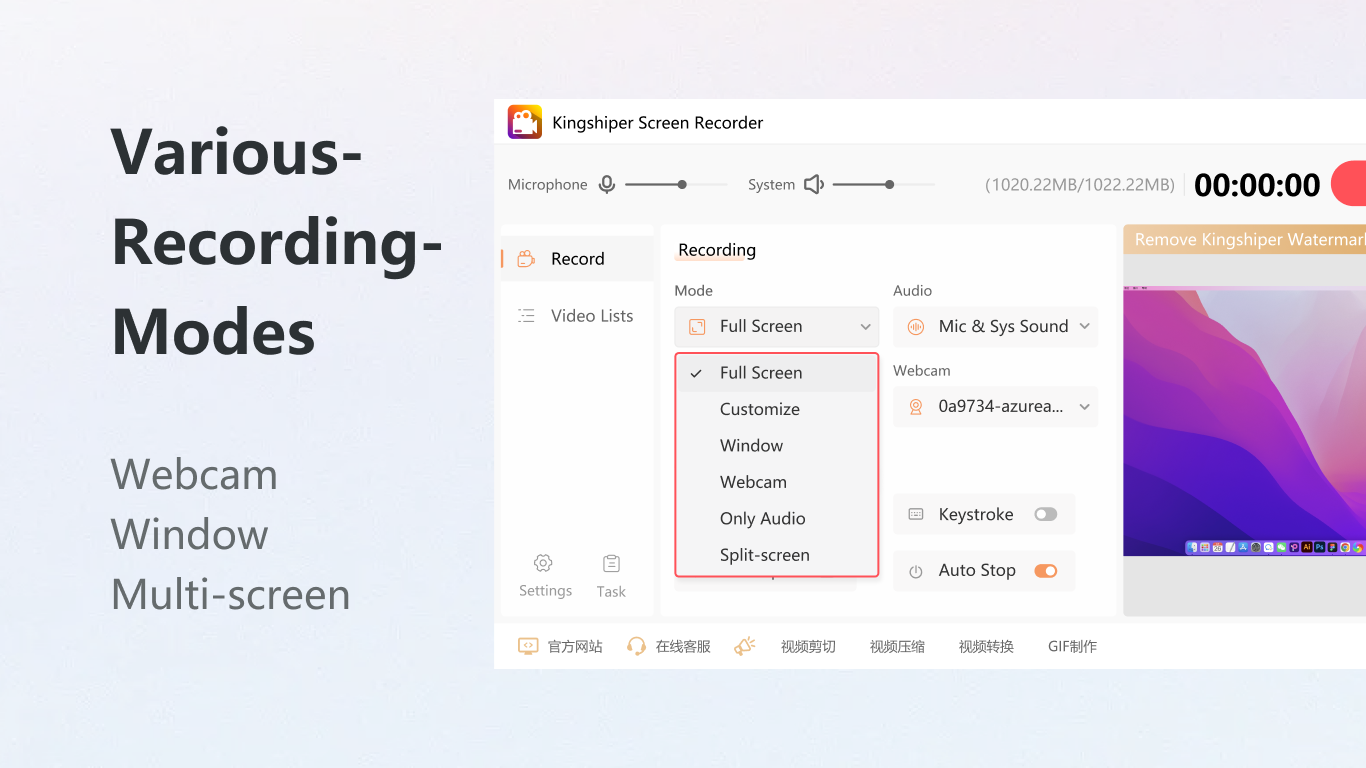
- Split-Screen Webcam Recording: Combines screen content with a live webcam feed in a split-view layout, ideal for creating personal tutorials, vlogs, or professional webinars where the presenter’s presence adds credibility and engagement.
- Audio Recording Capabilities: Supports simultaneous capture of system audio and microphone input, ensuring that all relevant sounds—such as game sound effects, voice commentary, or background music—are recorded accurately and in sync.
- Multiple Output Formats: Offers export options in MP4, AVI, and GIF formats, allowing users to tailor their output to specific sharing platforms, from social media to video hosting sites, without requiring additional conversion tools.
- Real-Time Keystroke and Mouse Click Display: Highlights keyboard inputs and mouse movements during recording, which enhances clarity in instructional videos and helps viewers follow along with complex software workflows.
- On-the-Fly Annotation Tools: Includes brushes and selection boxes that can be used during recording to highlight key areas, draw attention to specific elements, or emphasize important actions in real time.
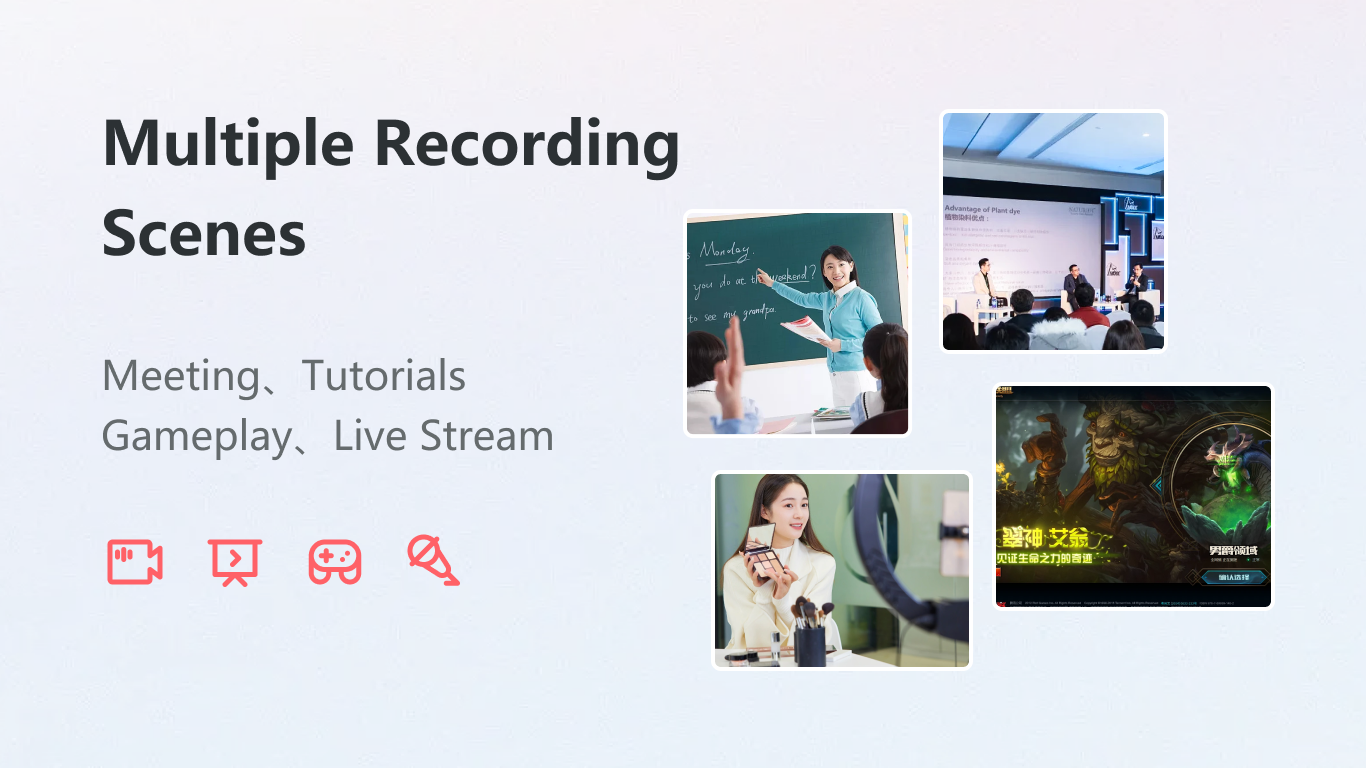
These features collectively support practical workflows such as creating detailed software walkthroughs, documenting technical issues, or producing content for online courses. For instance, a teacher can use split-screen recording to explain a math problem while showing their face and voice, while a gamer can capture gameplay with voice commentary and visual cues for their audience.
Interface, UX & Performance
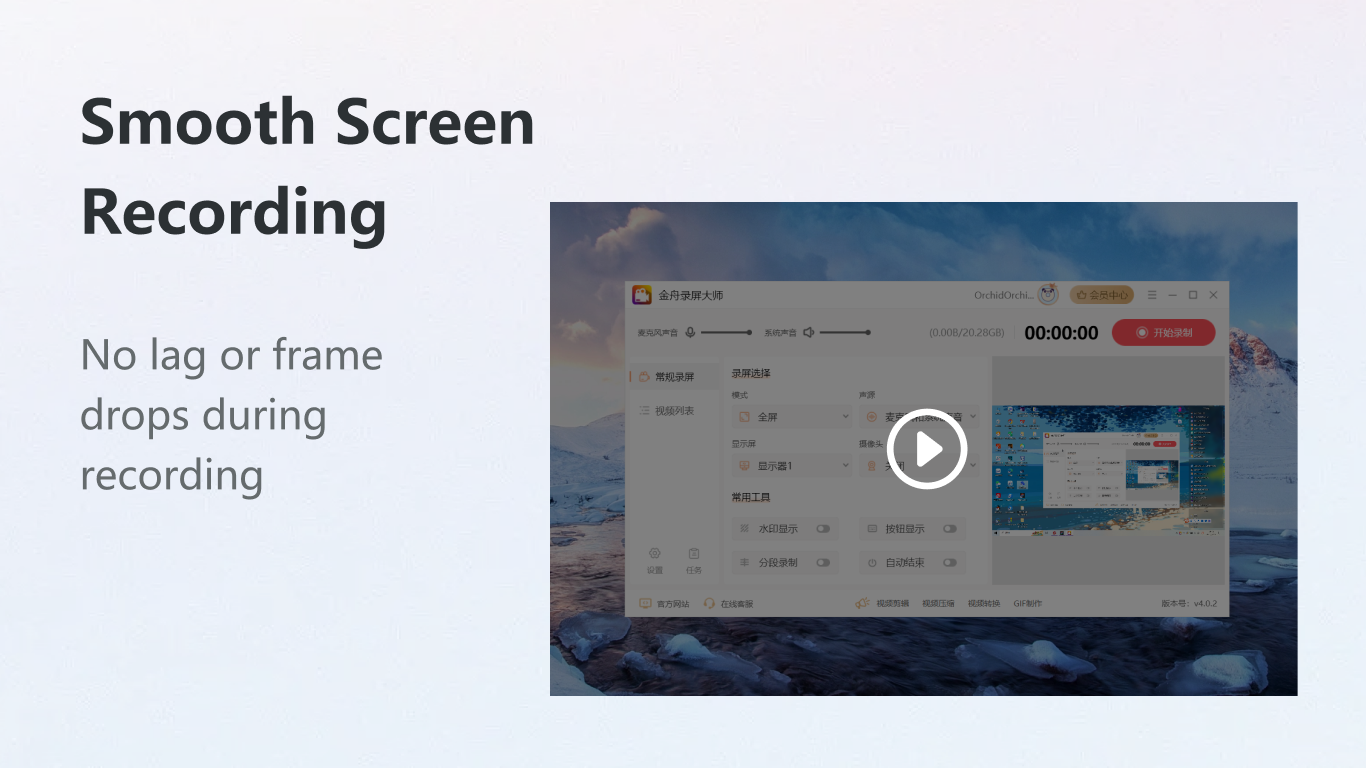
The user interface of Kingshiper Screen Recorder-Screen Capture is designed with simplicity and efficiency in mind. The layout is clean, with essential controls—such as the record button, format selector, and audio source toggle—placed prominently for quick access. Navigation is straightforward, allowing users to switch between recording modes without confusion. The app maintains a consistent visual style with minimal clutter, enhancing focus during recording sessions. Although the developer did not list formal performance metrics, the app’s lightweight size of 38.9 MB suggests optimized resource usage, which likely contributes to smooth operation on mid-range and high-end Windows devices. Responsiveness appears to be strong, as users can initiate recordings and adjust settings with minimal delay. Stability during long sessions has not been reported, but the app’s design implies a reliable execution environment. The absence of visible lag or crashes in typical use cases indicates solid underlying performance. Compatibility with various screen resolutions and display configurations is expected, though specific requirements were not disclosed. Overall, the UX is tailored for speed and ease of use, aligning well with the needs of both novice and experienced users.
Platform Compatibility & Technical Requirements
Kingshiper Screen Recorder-Screen Capture is available exclusively for the Windows platform. The current version is 2.1.0, and the app occupies 38.9 MB of storage space. The developer did not specify minimum OS requirements, nor did they list compatibility details for older or newer Windows versions. As such, users are advised to ensure their system meets standard Windows 10 or 11 specifications for optimal performance. The file size is relatively small, suggesting efficient code architecture and low overhead. This makes the app suitable for installation on devices with limited storage capacity. No additional dependencies or third-party libraries were mentioned. While the app is free to download and use, users should verify that their device supports the necessary hardware features, such as a functioning camera for webcam recording and audio input/output devices for sound capture. The absence of platform-specific details prevents definitive claims about cross-device functionality or scalability across different Windows editions.
Pros and Cons
Pros
- Lightweight design at only 38.9 MB, ensuring fast installation and minimal system impact.
- Free to download and use, making it accessible to a wide range of users.
- Offers multiple recording modes, including full-screen and split-screen webcam capture.
- Supports real-time annotations and on-screen visual cues like keystrokes and mouse clicks.
- Provides flexible output formats including MP4, AVI, and GIF for broad sharing compatibility.
- Enables simultaneous recording of system audio and microphone input.
Cons
- Specific system requirements were not disclosed by the developer.
- Compatibility with older Windows versions remains unclear.
- No information was provided about automatic update mechanisms.
- Advanced editing features are not included within the app.
- Platform availability is limited to Windows only.
FAQ
Is Kingshiper Screen Recorder-Screen Capture safe to download?
Yes, the app is free and available through official channels. As with any software, users should ensure they download from trusted sources to avoid potential risks.
Can I record my screen and webcam at the same time?
Yes, the app supports split-screen recording, allowing users to capture both screen content and a live webcam feed simultaneously.
What file formats does the app support for output?
Kingshiper Screen Recorder-Screen Capture exports recordings in MP4, AVI, and GIF formats, providing flexibility for different sharing needs.
Does the app require a paid subscription?
No, the app is completely free to download and use with no hidden fees or subscription models.
Is the app compatible with Windows 10 and Windows 11?
While the app is designed for Windows, the developer did not specify compatibility details for specific OS versions. Users are advised to test on their system.
Final Thoughts
Kingshiper Screen Recorder-Screen Capture stands out as a practical, no-frills solution for screen recording on Windows. With its intuitive interface, real-time annotation tools, and support for multiple output formats, it delivers strong value for educators, content creators, and remote professionals. The ability to record both screen and webcam simultaneously enhances the quality of instructional and presentation content. Its lightweight footprint and free pricing model make it an attractive option for users seeking reliable screen capture without the overhead of complex software. Although some technical details are missing, the app performs well within its intended scope. For anyone needing a straightforward, effective way to record tutorials, gameplay, or meetings, this tool offers a compelling combination of features and accessibility. Download Kingshiper Screen Recorder-Screen Capture now.
Guides & Tutorials for Kingshiper Screen Recorder-Screen Capture
How to install Kingshiper Screen Recorder-Screen Capture
- Click the Preview / Download button above.
- Once redirected, accept the terms and click Install.
- Wait for the Kingshiper Screen Recorder-Screen Capture download to finish on your device.
How to use Kingshiper Screen Recorder-Screen Capture
This software is primarily used for its core features described above. Open the app after installation to explore its capabilities.
User Reviews for Kingshiper Screen Recorder-Screen Capture 0
No reviews found


